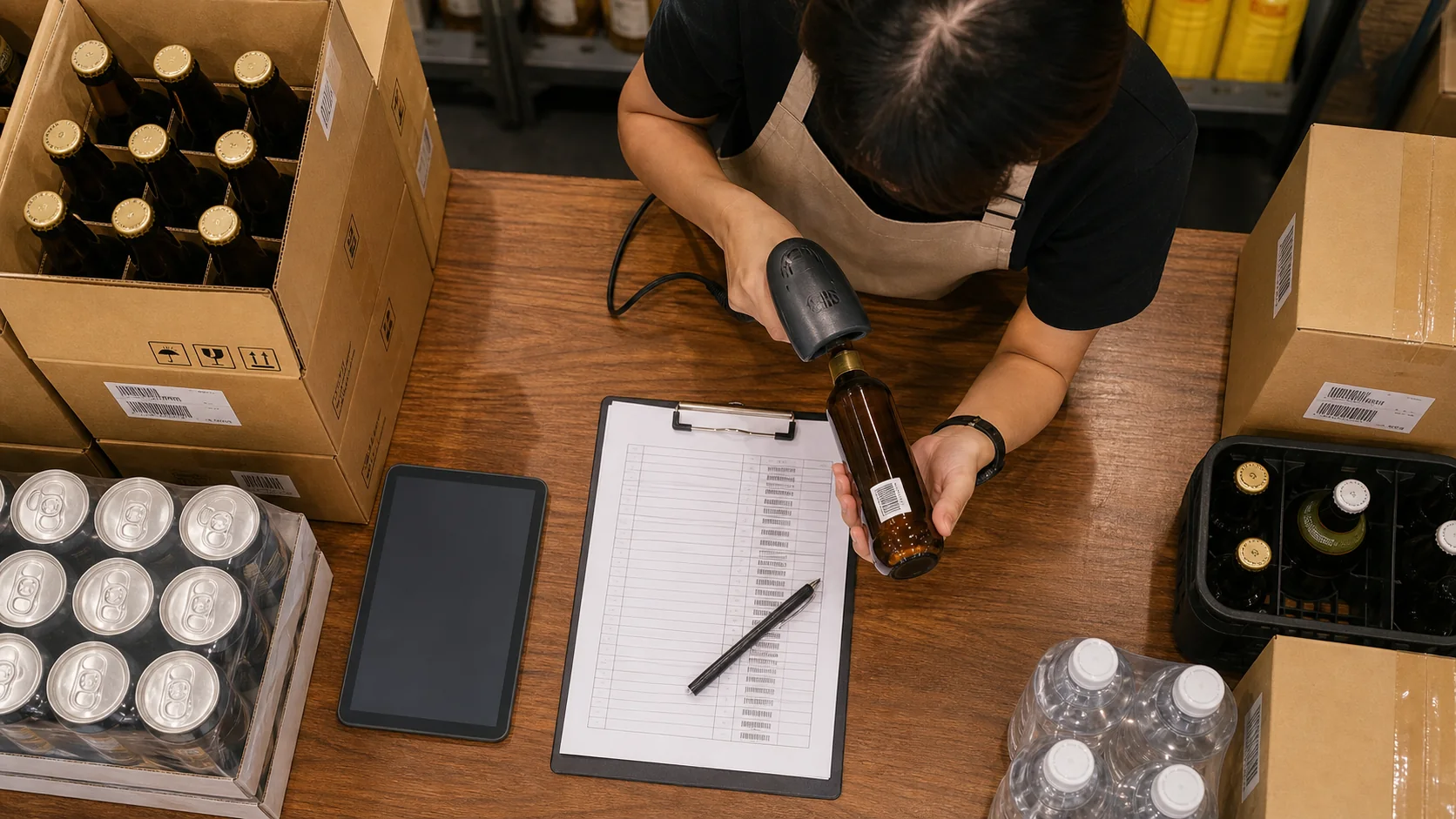
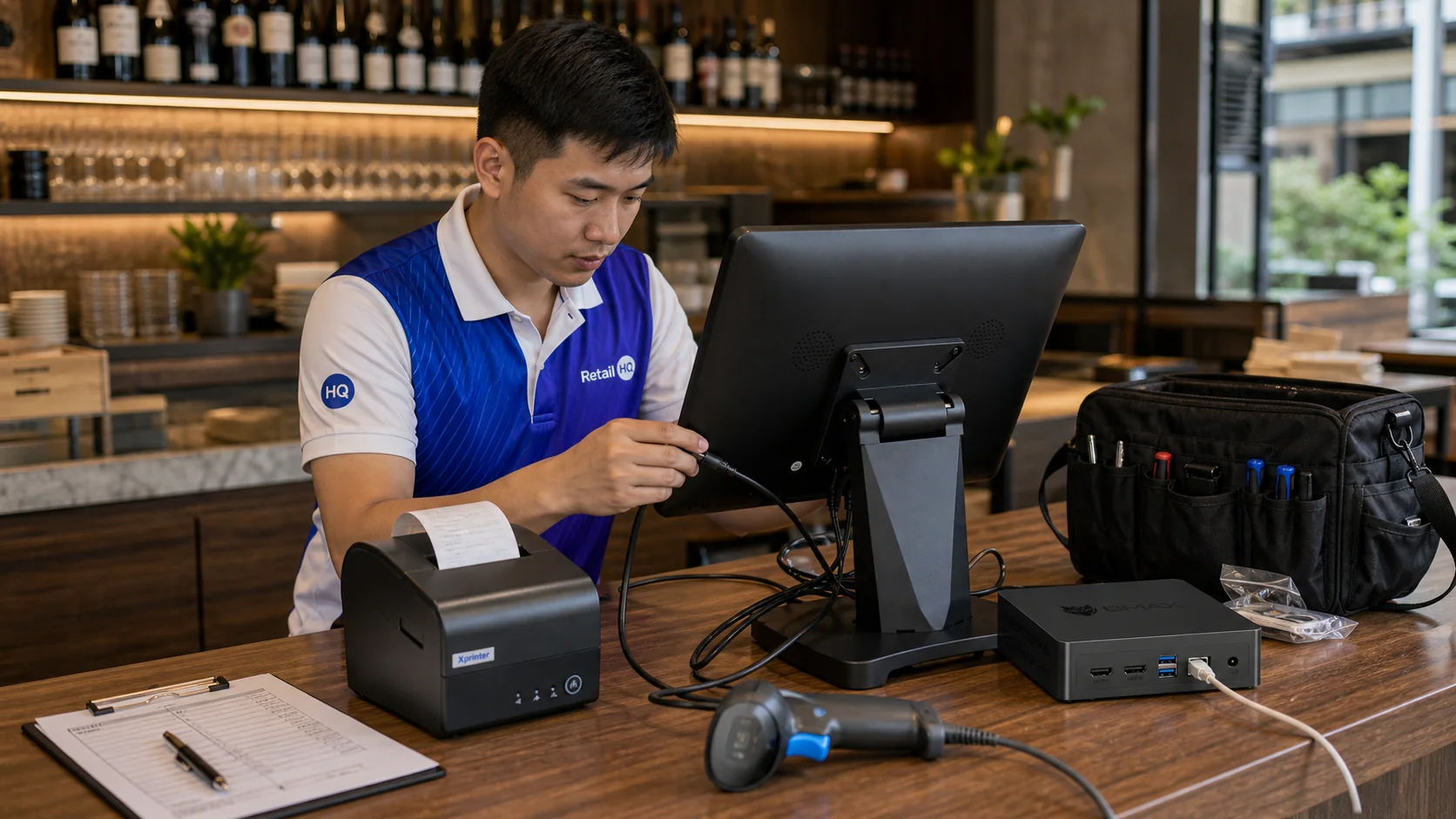
Phase 1: Define Business Requirements
Document the business type, number of tills, service areas, staff, expected volume, departments, locations and opening hours.
- Table management
- Kitchen printing
- Mobile ordering
- Barcode scanning
- Customer loyalty
- Inventory management
- Staff time tracking
- Multi-location reporting
- Remote owner access
- Revenue protection reporting
Phase 2: Review The Current System
If replacing an existing POS, review products, menus, prices, customers, suppliers, inventory, users, reports and promotions.
Identify what works and what creates problems. Avoid rebuilding old problems in the new platform.
Phase 3: Plan The Hardware
Terminals
Confirm quantity, counter space, screen size, power, network and staff access.
Printers And Kitchen Devices
Confirm receipt formats, printer routing, language requirements and preparation stations.
Handhelds And Scanners
Test Wi-Fi coverage and barcode quality. Plan charging and protective cases.
Cash Drawers And Displays
Define float responsibility, reconciliation and the information customers should see.
Phase 4: Network And Internet Planning
- Test the primary internet connection.
- Plan backup connectivity.
- Test Wi-Fi in every service area.
- Use a secure business network.
- Document offline procedures.
Phase 6: Configure Inventory
- Enter accurate costs.
- Define purchase and usage units.
- Add suppliers.
- Set opening stock and reorder levels.
- Create recipes or product usage.
- Define stock locations.
- Create standard waste reasons.
Phase 7: Create Staff Users And Permissions
Create individual accounts for owners, managers, supervisors, cashiers, servers and stock controllers.
Review access to discounts, voids, refunds, price changes, stock adjustments, reports, cash drawers, customer exports and user management.
Phase 8: Configure Reporting
Daily
Revenue, transactions, average sale, payment methods, discounts, voids, cash variance and top products.
Weekly
Product performance, inventory variance, waste, staff and customer trends.
Monthly
Growth, gross profit, location comparison, inventory value and loyalty performance.
Phase 9: Customer And Loyalty Tools
Decide which customer information is needed and train staff on enrolment, rewards, redemption and responsible data handling.
Phase 10: Plan Installation
Choose an installation time that minimises disruption. Confirm terminal positions, cables, printer locations, power outlets, network access and charging.
Do not remove the old system before the new system is fully tested.
Phase 11: Train The Team
Operational Staff
Practise login, orders, modifiers, payment, receipts and common corrections.
Managers
Practise approvals, refunds, reporting, cash management, staff activity and inventory.
Owners
Practise remote access, location comparison, alerts and exports.
Phase 12: Test The System
- Cash, card and QR payments
- Split payments
- Discounts, refunds and voids
- Receipt and kitchen printing
- Table transfers and split bills
- Barcode scanning and returns
- Inventory adjustments
- Reporting
- Offline operation
Phase 13: Prepare For Go-Live
- Hardware installed
- Internet tested
- Products and prices approved
- Staff accounts active
- Printers routing correctly
- Opening stock entered
- Cash floats prepared
- Support contacts available
Phase 14: Review After Launch
First Day
Review failed transactions, printing, staff questions, reports and cash reconciliation.
First Week
Review products, permissions, inventory deductions and workflows.
First Month
Review reporting, variance, staff performance, hardware reliability and training needs.
Actionable Advice
- Assign one project owner.
- Clean data before importing.
- Test real scenarios.
- Train managers first.
- Keep the first version simple.
- Document common procedures.
Common Mistakes
- Choosing hardware before software requirements
- Underestimating network coverage
- Creating duplicate products
- Giving all users manager access
- Skipping inventory setup
- Training too close to launch
- Failing to test printers
- Migrating inaccurate data
- Ignoring offline procedures
- Launching without support
POS Setup Checklist
- Requirements documented
- Terminals and printers selected
- Internet and Wi-Fi tested
- Backup connection planned
- Products and prices approved
- Opening stock counted
- Users and permissions checked
- Reports configured
- Training completed
- Every payment type tested
- Offline mode tested
- Launch support confirmed
Frequently Asked Questions
The timeline depends on the size and complexity of the business. Hotels and multi-location groups generally require more planning than a small store.
Yes, until the new platform has been fully tested and management is confident it is ready.
Every user should receive training relevant to their role.
Incomplete product data, poor network planning, inadequate testing and rushed training are common causes.
Yes. Accurate opening stock and product costs are essential for useful reporting.