1. Consultation
Understand the business, current challenges, locations and growth plans.

Installation & Training
Retail HQ plans, configures, installs and tests the system around your business before training the people who will use it every day.
Successful implementation depends on more than connecting hardware. Products, prices, printers, permissions, inventory and reports all need to reflect the way the business operates.
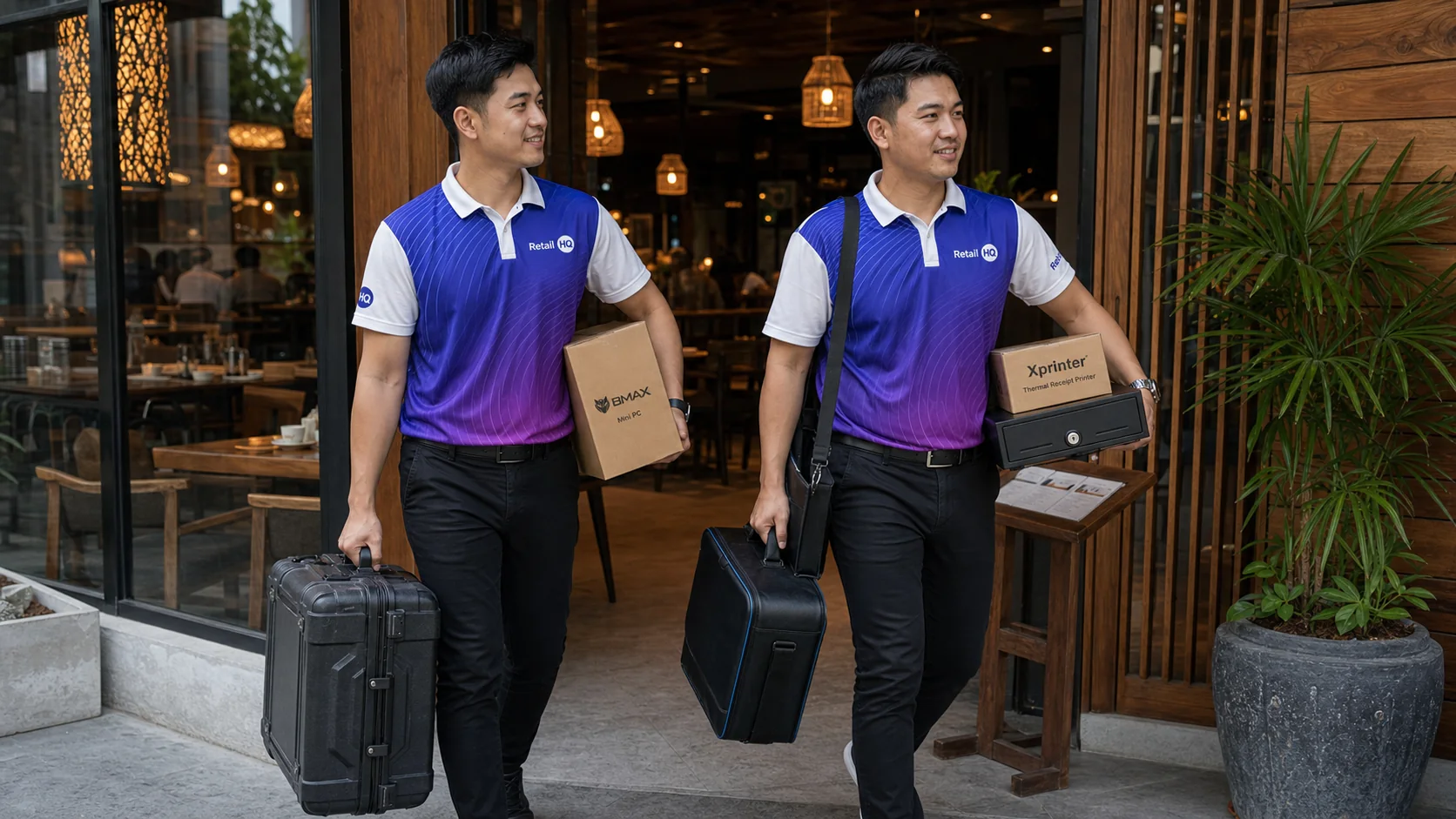
Implementation Process
A structured process reduces disruption and gives staff confidence before the first live transaction.
Understand the business, current challenges, locations and growth plans.
Plan software modules, hardware, networks, printers and service workflows.
Set up products, menus, pricing, users, permissions, inventory and reports.
Position devices, connect hardware and verify the operating environment.
Train owners, managers and staff according to their responsibilities.
Test real workflows, monitor launch and resolve issues quickly.
System Configuration
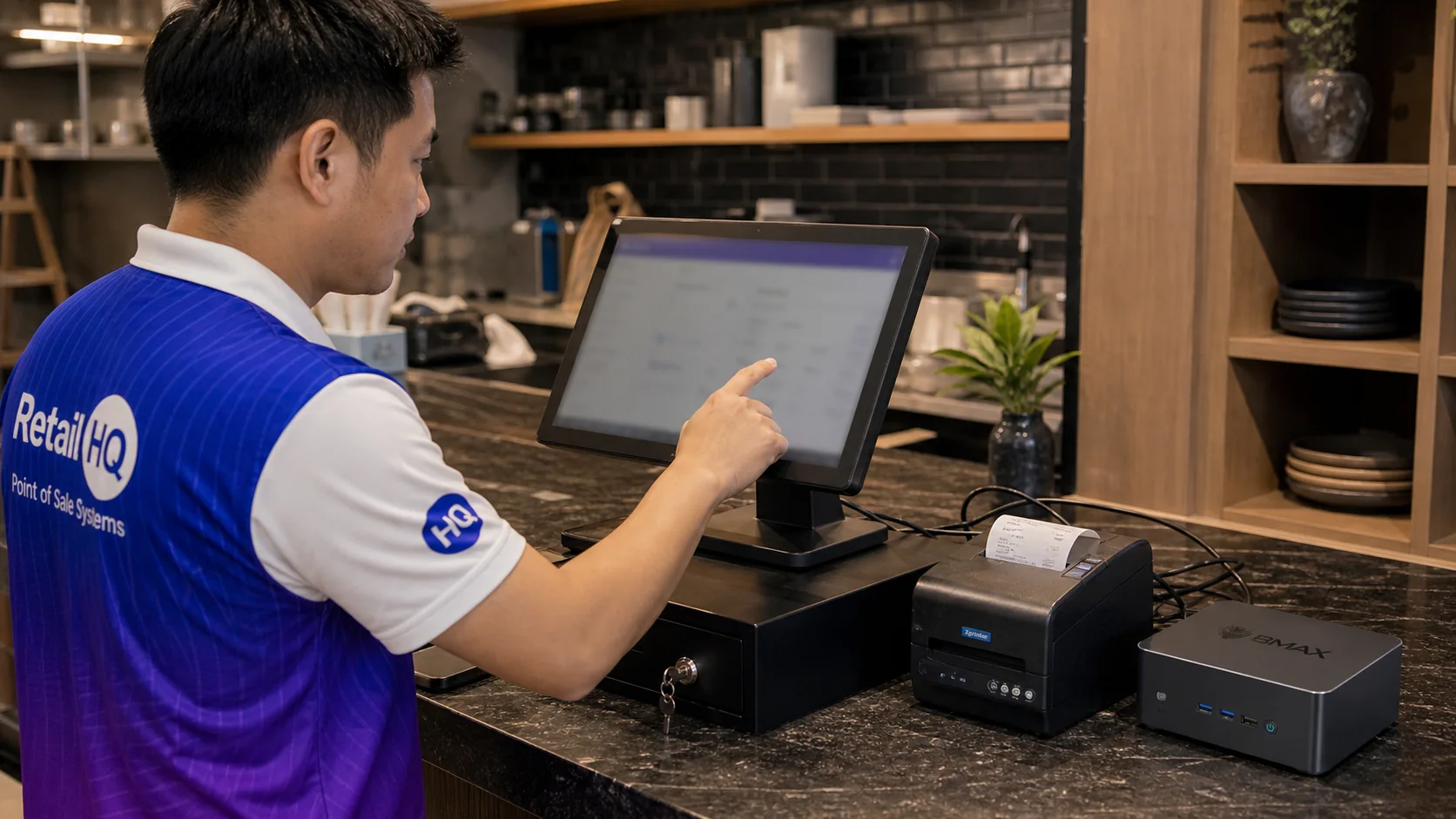
Retail HQ configures the platform to match the business instead of expecting the business to work around a generic setup.
Switching Systems
Businesses replacing an existing POS need a controlled transition. Retail HQ can help review current data, identify what should be migrated and plan testing before the old system is retired.
Training
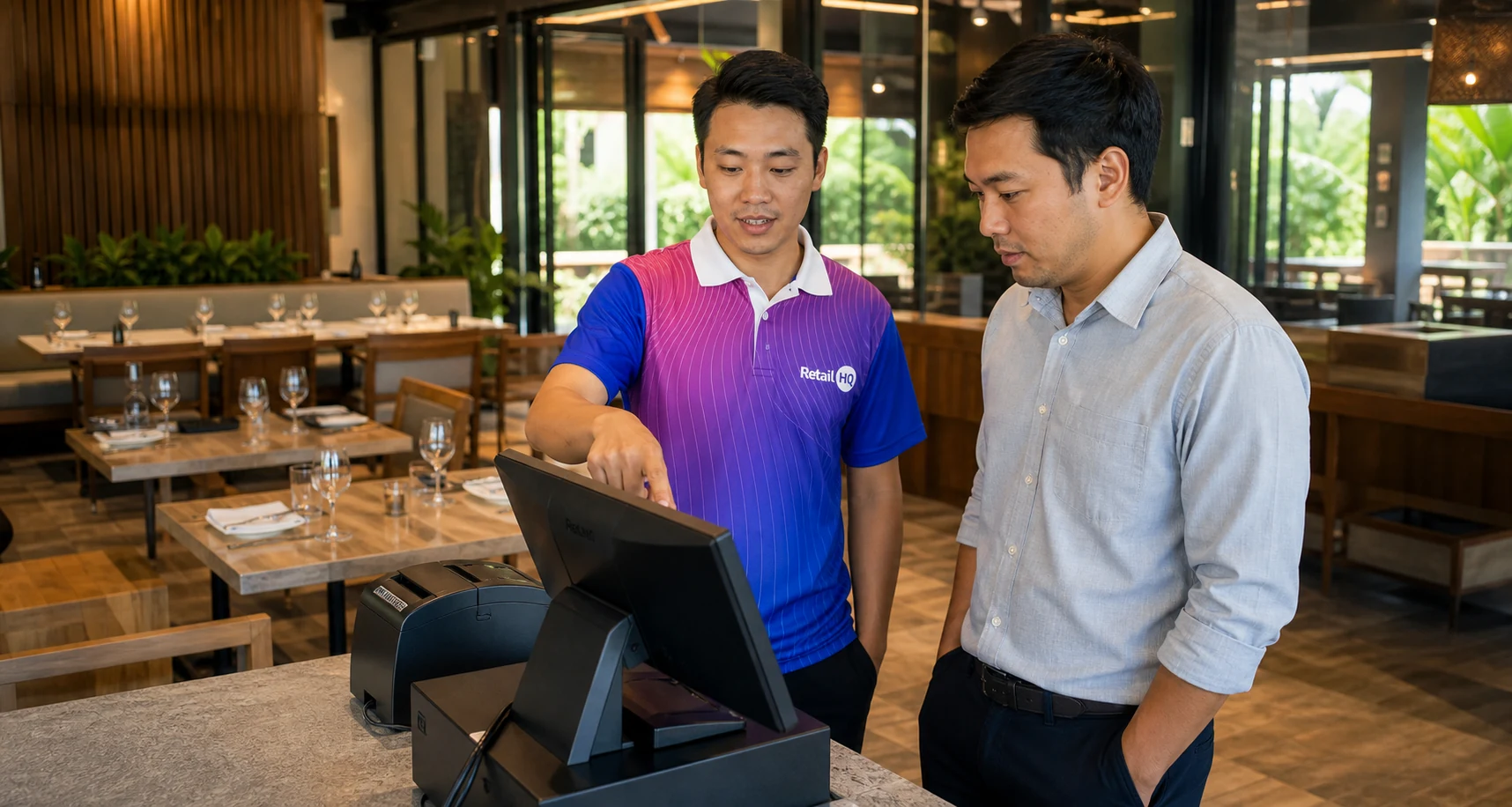
Training focuses on the tasks each person actually performs.
Remote reporting, location comparisons, alerts and management visibility.
Permissions, reports, cash procedures, inventory and exception review.
Sales, payments, receipts, approved discounts and shift procedures.
Table orders, modifiers, mobile ordering and bill management.
Purchasing, receiving, counting, transfers, waste and adjustments.
Repeatable onboarding processes for future team members.
Questions
Clear answers for owners and managers evaluating Retail HQ.
The timeline depends on the number of locations, hardware, products, integrations and data setup required.
Yes. The team can plan installation and transition to reduce disruption.
Yes. Training can be tailored to owners, managers and operational roles.
Yes. Existing products, workflows and data can be reviewed as part of a migration plan.
Network access, power, approved products and prices, staff roles and key management decisions should be confirmed.
Yes. Ongoing support is part of the Retail HQ service approach.
Retail HQ
From the first requirements discussion to staff training and launch, Retail HQ helps create a system that works from day one.